Entirety of GDSC NITS project templates at your fingertips.
Get started with the GDSC NITS project templates by running pnpx codekon.
About
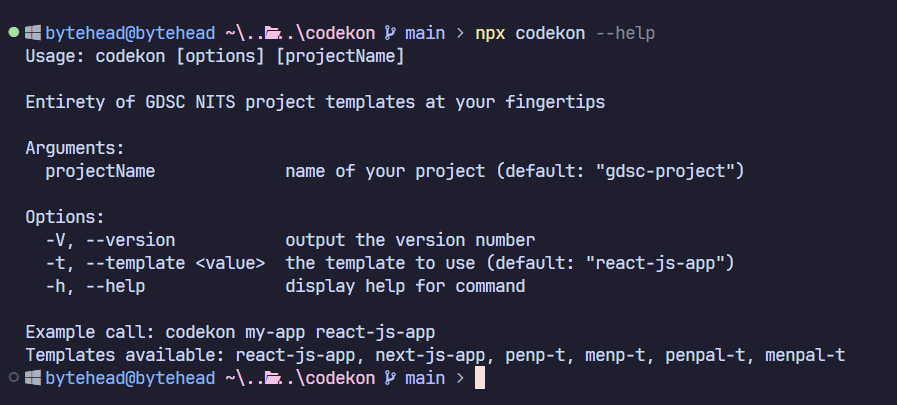
GDSC NITS has a set of templates to streamline the development of web based projects by having opiniated configs and settings. The various templates available are -
- react-js-app - ReactJS + SASS app in JavaScript
- next-js-app - NextJS pages router + SASS app in JavaScript
- menp-t - MongoDB + Express + Node + Prisma + TypeScript API Template
- penp-t - PostgreSQL + Express + Node + Prisma + TypeScript API Template
- menpal-t - MongoDB + Express + Node + Prisma + AWS Lambda + TypeScript API Template
- penpal-t - PostgreSQL + Express + Node + Prisma + AWS Lambda + TypeScript API Template
Getting Started
💡
To scaffold a template using codekon, make sure you have git and pnpm
installed. We use pnpm in our projects and strongly recommend you to do so
too. For now, codekon only supports pnpm.
- To use
codekoninteractively:
Using npm:
npx codekonUsing pnpm:
pnpx codekon-
Follow the prompts. The project will be created in the directory.
-
You can also directly create projects by passing the arguments:
npx codekon [projectName] [templateName]pnpx codekon [projectName] [templateName]For example:
pnpx codekon my-app react-js-app- To get the help message run
codekon --help